Osadchy Dental

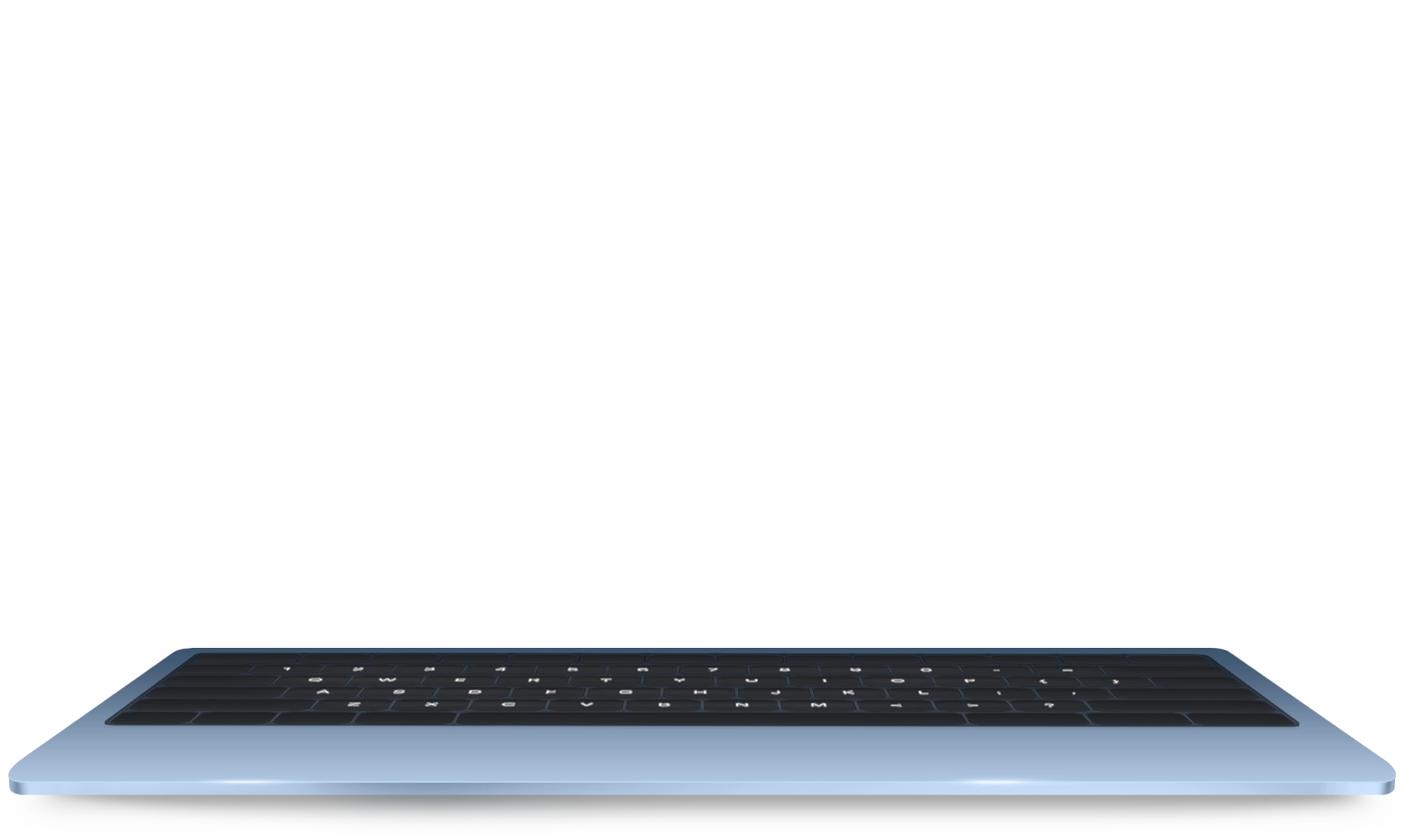


The preview of the site may differ from the current version. All information is provided for presentation purposes only and may be partially or completely outdated.
Together with my team I built a premium website, widget and AI-powered chatbot for Dr. Ihor Osadchy’s dental clinic.
- Year
- 2026
- Website
- osadchyclinic.com.ua
- Technologies
- AI, Corporate website, WordPress
- Role
- Analysis, architecture, development, content
- Design
- Figma — a designer from my team
- Timeline
- 3.5 months: December 2025 — March 2026
- Backend
- PHP 8.4, Timber + Twig, no build systems
A Premium Clinic That Outgrew Templates
Dr. Ihor Osadchy’s dental clinic is the kind of practice where the average bill is not a filling but complex implantology and aesthetics. A website like that does not sell «dental treatment» — it sells trust in one particular doctor, and it has to work equally well for a patient from Poltava, from Warsaw and from Tel Aviv.
So this is not a stack of plugins but a custom theme built from scratch: a page builder on 44 Gutenberg blocks, content in three languages, and an admin panel where the clinic manages prices, opening hours and the team without calling a developer.
- 42 service pages — from professional cleaning to atypical extraction, each with its own price and search markup;
- 13 doctors — profiles with specialities, certificates and links to the procedures they perform;
- Three languages — Ukrainian, English and Russian; the English version works for medical tourism;
- An AI assistant — answers from the site’s own content and books appointments right in the chat, by voice or in Telegram.
The project sits where two of my services meet — WordPress development and AI agents and chatbots. Here is how it was built.
The Project in Numbers
42
service pages
Each with a price, Service schema and its own SEO
13
doctors
Profiles with specialities, linked to their procedures
3
languages
339 URLs: Ukrainian, English and Russian
172
commits
From init to launch: December 2025 — March 2026
The Old-School Way: Design First, Code Second
Designing in the browser is fashionable. I don’t work that way, and this project is a good illustration of why.
First I took the clinic’s old website apart: which content was doing its job, which procedures people actually searched for, where visitors got lost. Then I talked to the client and turned all of it into a brief — not «make it beautiful» but specific pages, states and scenarios. With that brief, a designer from my team started work.
What follows is the chain that saves weeks:
- Figma — mockups the client reviews and signs off before a single line of code exists. Dr. Osadchy liked the design straight away;
- Markup — the approved mockups went to a front-end developer from my team, who built them on twig-base, my own engine that produces markup already shaped the way WordPress expects it;
- Development — I ported that markup onto wp-base, my starter theme, which brought the ACF cache, HTML minification, WebP conversion and the core structure with it.
Because of that «slow» planning, no page had to be rebuilt twice: the layout was already agreed, and the markup landed on a finished foundation. I use the same approach for web apps and portals.
Palette
Typography
An AI Assistant You Don’t Just Talk To — It Books the Appointment
This was the first project where I put my own AI widget directly on a client’s website — not a subscription service, but a module inside the theme. It knows exactly what the site says, and it carries the conversation through to a result: from «how much does an implant cost» to a booking with a date, without a manager touching it. That is no longer a chat widget; it is full automation of the first contact with a patient.
- Search across the site’s own content (RAG) — the model pulls key terms out of the question, searches the services and articles in the same language, and answers from the real page text instead of guessing;
- Three providers to choose from — OpenAI, Claude or Gemini, switched in the admin panel; if one goes down or gets expensive, the clinic is not left without an assistant;
- Voice mode — you can simply talk to it: the first half-second calibrates background noise, a second and a half of silence ends the recording, Whisper transcribes and a synthesised voice answers;
- The same assistant in Telegram — the bot mirrors the website logic, with its own calendar keyboard instead of the usual button menus;
- Booking straight from the chat — the assistant shows a calendar that knows the clinic’s days off, and the finished request goes to a manager.
Every conversation lives in its own admin section: the history, saved audio, an AI summary of the dialogue, the visitor’s city and the manager’s notes. A request from the chat reaches the CRM with a link to that exact conversation — you can see which sentence made the person decide to book.
Stack and Integrations
- AI
- Corporate website
- WordPress
- PHP 8.4
- Timber
- Twig
- MySQL
- ACF Pro
- WPML
- OpenAI
- Claude
- Gemini
- ElevenLabs
- Telegram Bot API
- SalesDrive
- Cloudflare Turnstile
- Ringostat
- Schema.org
- SMS-Fly
- TurboSMS
3.5 Months in Commits
-
6 December 2025
The “init” commit
The start: theme core, Timber and Twig, module structure.
-
19–22 December
The clinic’s frame
Services, doctors, specialities, redirects from the admin, page QR codes.
-
January 2026
Three languages
WPML, the language switcher, language suffixes in every cache, email templates.
-
February
Content and blocks
The densest month: service pages, doctor profiles, content in three languages.
-
22 February
Form protection
Cloudflare Turnstile in invisible mode and SMS confirmation of requests.
-
15–16 March
The AI chat
The widget with RAG search, three providers, booking and a Telegram mirror.
-
Late March
Launch
Final responsive polish — and the site went live. 172 commits in 3.5 months.
How 42 Services Moved From the Old Site
The dullest part of any redesign is moving the content. Forty-two services, forty-seven articles, thirteen doctors. Multiply by three languages. By hand that is months of copy-paste, and this is exactly where projects die.
I did it differently — and it turned into a separate tool that now works on other projects:
- Parsing the old site — AI agents went through the pages and pulled the content out in a structured form, not as one wall of text;
- A roadmap — from that came the plan: what moves across, what gets rewritten, what is dropped as outdated;
- One reference page instead of forty-two — I assembled one exemplary service page and one article by hand: the right blocks, spacing, headings and internal links;
- My own skill for the agents — following that reference, agents filled the remaining pages with the parsed content, keeping the same structure.
The win is not only time. When the structure is described once, all forty-two pages come out equal in quality — you never get the first ones done carefully and the last ones rushed. I use the same approach in SEO and localization.
Frequently Asked Questions
A template covers the first 60% — a grid of services and a contact form. The rest — three languages with correct SEO markup, prices the clinic edits itself, opening hours that simultaneously feed the widget, the Google markup and the booking logic, plus an AI assistant — runs straight into someone else’s architecture. A custom theme means each of those can be done properly rather than «as far as the template allows».
It does not answer from memory: it first finds the relevant services and articles in the right language, and their actual text goes into the answer. Contacts, address, prices and opening hours are inserted from the clinic’s settings rather than paraphrased by the model.
The provider is switched with a single field in the admin: OpenAI, Claude or Gemini. The chat logic, RAG search, booking and the Telegram bot behave identically no matter which model is answering.
3.5 months: the first commit was 6 December 2025, the launch came at the end of March 2026. 172 commits in total, covering the Figma design, the markup, the theme, content migration in three languages and the AI assistant. Voice mode, the CRM and end-to-end analytics were added after launch.
The site went live at the end of March — and the work did not stop there: after launch the assistant learned to speak out loud, leads started flowing into the CRM, and forms and calls became visible in analytics. See it live at osadchyclinic.com.ua. If you need something similar with its own AI assistant, start with AI agents and chatbots or integrations and automation.


Let’s discuss your project?
Free consultation + cost calculation
More projects